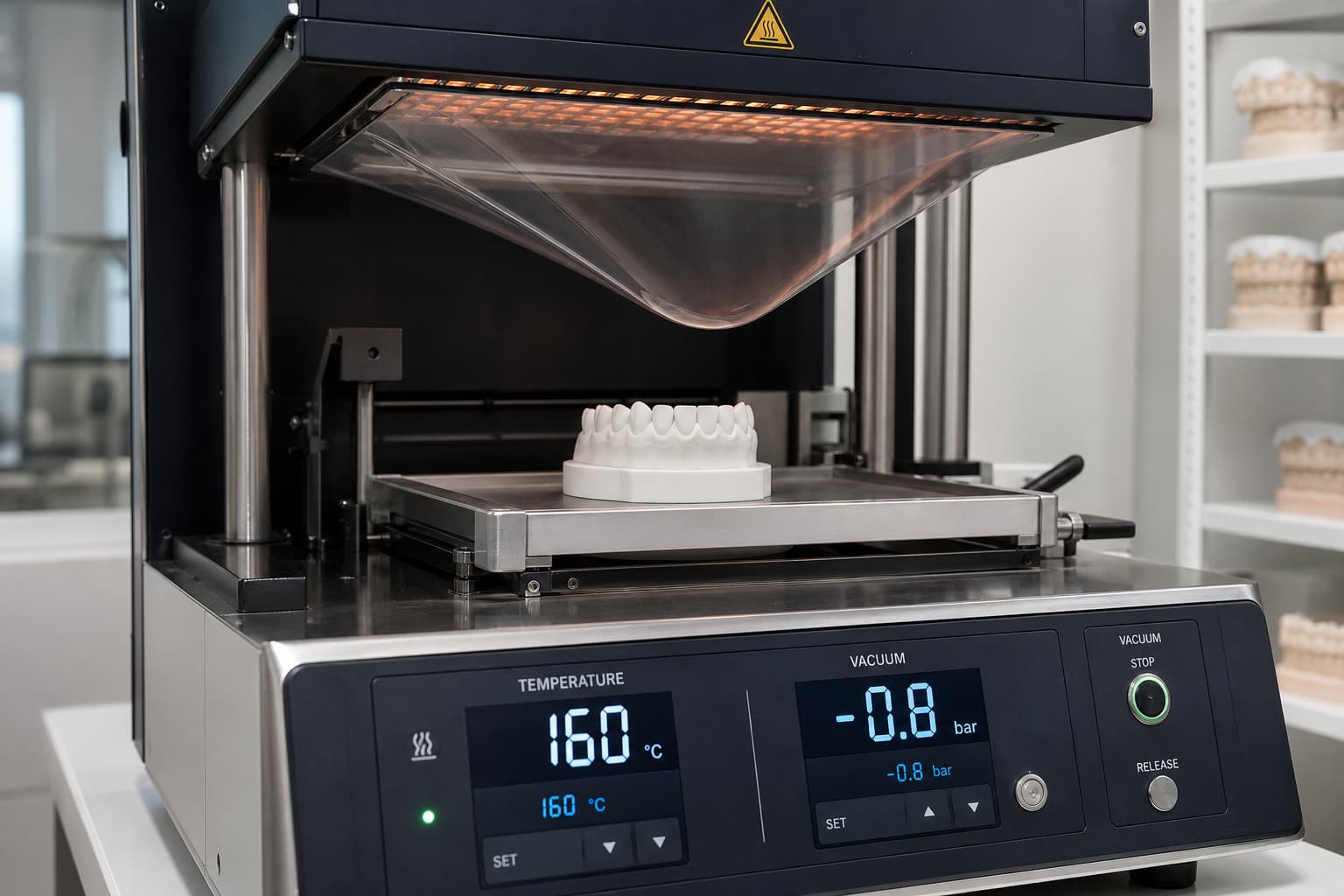
Standard vacuum thermoforming requires a maximum negative pressure draw of -0.8 bar paired with material-specific heating windows between 120 °C and 195 °C. Achieving precise anatomical adaptation without warping, blistering, or localized thinning relies on maintaining accurate thermal windows, observing a 12–20 mm sag depth, and eliminating moisture from both thermoplastic sheets and 3D-printed resin models.
While positive-pressure thermoforming equipment can achieve superior material density, standard vacuum units remain a highly effective, cost-efficient backbone for in-house manufacturing when processing parameters are strictly maintained. Understanding how heat and atmospheric draw interact with different polymer matrices allows your clinic to eliminate common fabrication defects and deliver predictable tooth movement.
Thermal Settings and Material Parameters
Different polymer compositions exhibit distinct thermal transitions and melt flow rates, requiring tailored temperature windows to avoid degrading internal plasticizers or compromising optical clarity:
- PETG (Polyethylene Terephthalate Glycol): Target heating temperatures between 155 °C and 170 °C (160 °C for standard 0.5–1.5 mm sheets). Allow the sheet to sag 12–20 mm before activating the vacuum draw. PETG is hygroscopic; process newly opened packages promptly or store sheets in desiccated chambers to prevent moisture absorption.
- Copolyester: Operates at higher thermal thresholds, targeting 195 °C for 0.60–1.00 mm sheets with heating durations between 45 and 90 seconds. Thermoform unsealed copolyester sheets within 8 hours to maintain structural integrity.
- TPU and Multilayer Polymers: Dual-layer PETG/TPU composite sheets form between 160 °C and 170 °C depending on total thickness (1.0–1.3 mm sheets target 160 °C). Because TPU absorbs ambient moisture rapidly, thermoform these sheets within 15 minutes of unsealing. Incorporating multilayer thermoforming aligner materials provides active force retention while mitigating localized structural thinning.
- EVA (Ethylene Vinyl Acetate): Softer polymers used for bleaching trays and mouthguards require lower thermal windows between 120 °C and 130 °C.
Preheat your vacuum thermoforming unit for approximately three minutes before starting production. Thermal stabilization of the heating element is particularly critical when thermoforming thin sheets (1.0 mm or less), where slight temperature fluctuations drastically alter material flow.
Vacuum Pressure and Model Preparation
Vacuum thermoforming relies on atmospheric pressure to pull a thermo-softened plastic sheet over a master model. Standard vacuum machines generate negative pressure drawing down to -0.8 bar to mold the material against dental contours.
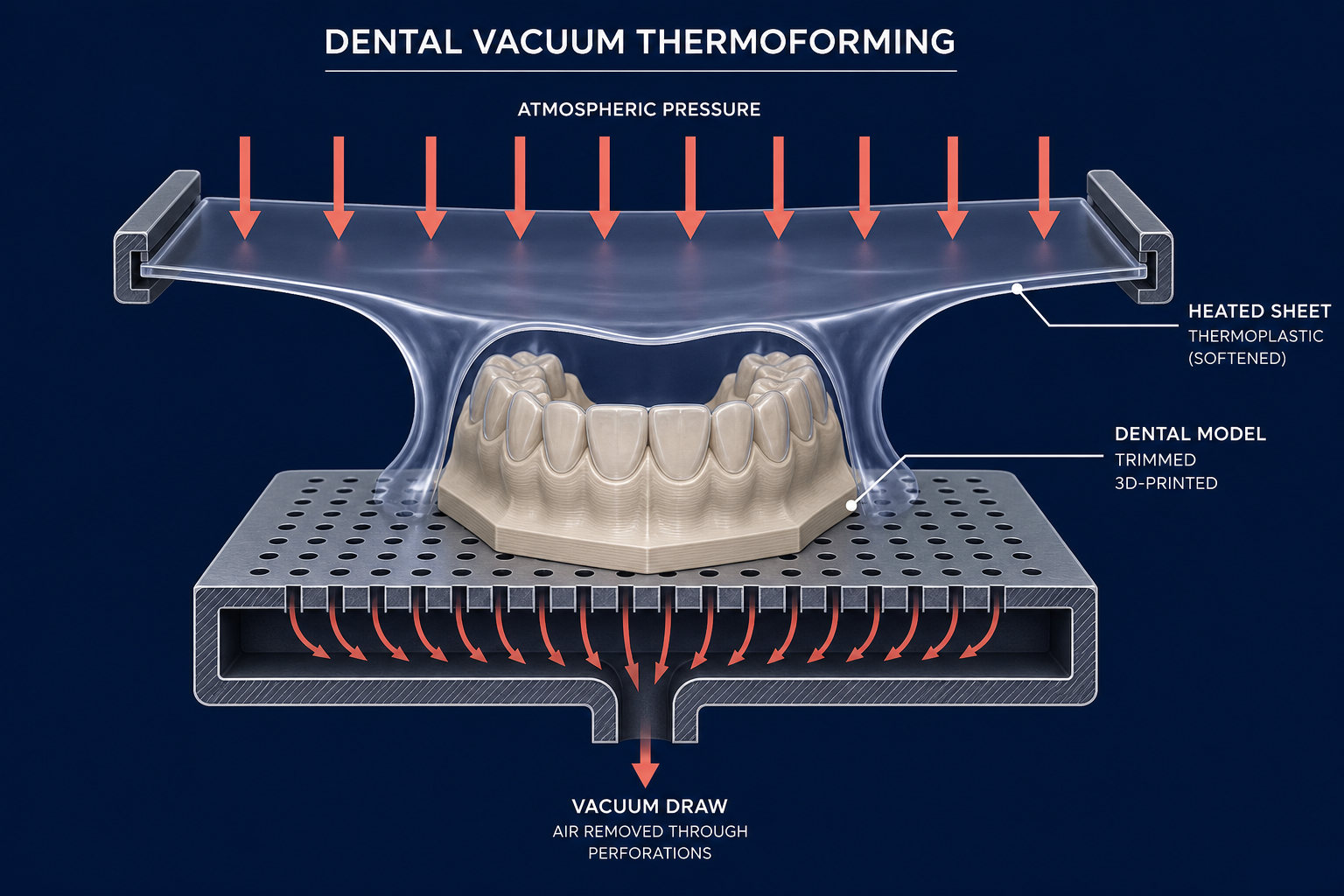
Physical model preparation directly influences how effectively this vacuum draw translates to the final appliance geometry during the clear aligner fabrication process:
- Trim Model Height: Keep 3D-printed models trimmed to a maximum height of 19 mm (3/4 inch). Taller models force severe material stretching, causing excessive thinning near gingival margins and increasing the risk of webbed plastic.
- Excite Palatal Vaults: Remove the palatal portion of full-arch upper models to maintain optimal negative pressure distribution across the dental arch.
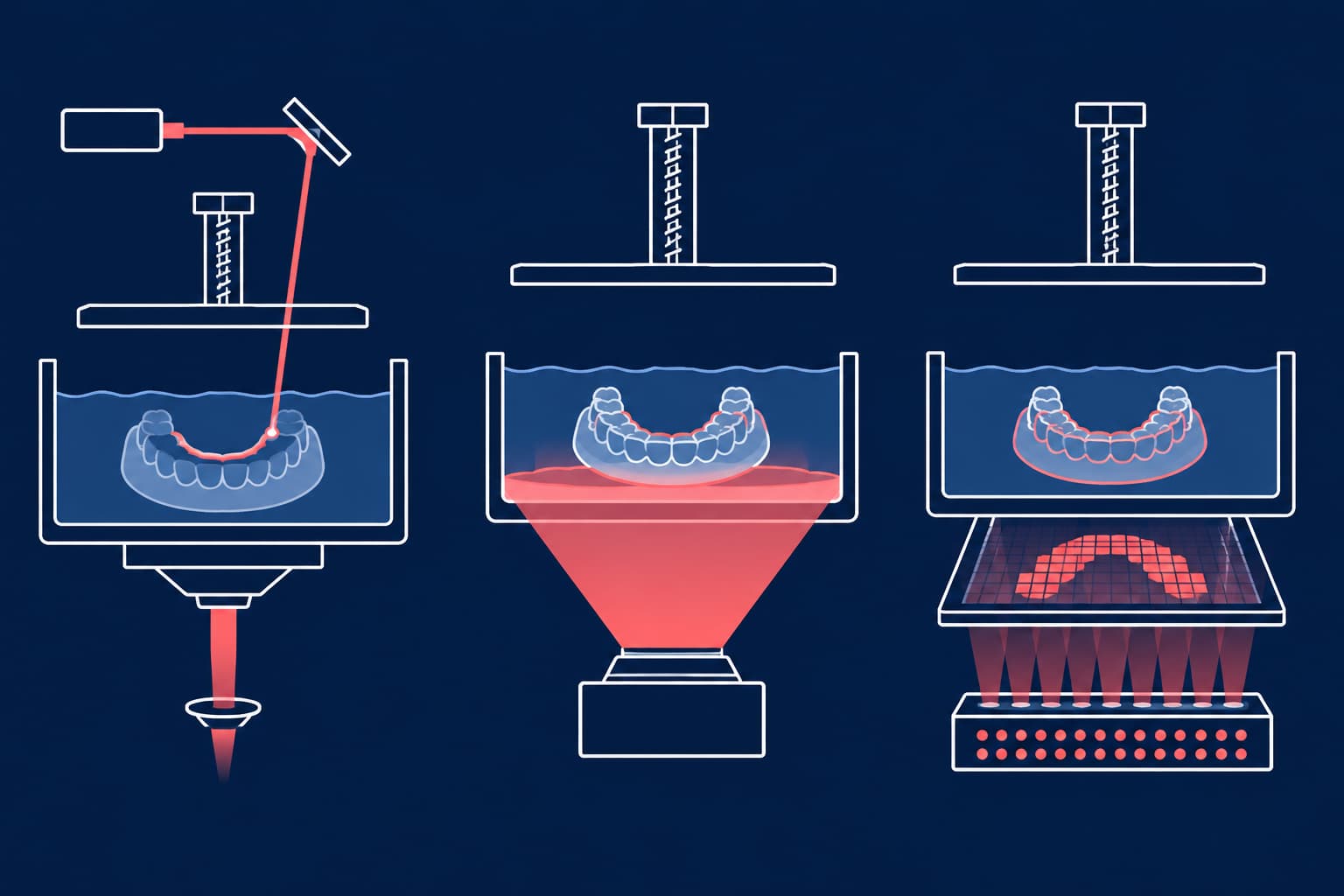
- Ensure Complete Post-Curing and Drying: Fully post-cure and thoroughly dry 3D-printed resin models before forming. Residual isopropyl alcohol (IPA) or unreacted monomers outgas when exposed to radiant heating elements, causing surface bubbles, optical haze, and model deformation.
Troubleshooting Common Thermoforming Defects
Blistering and Bubbles
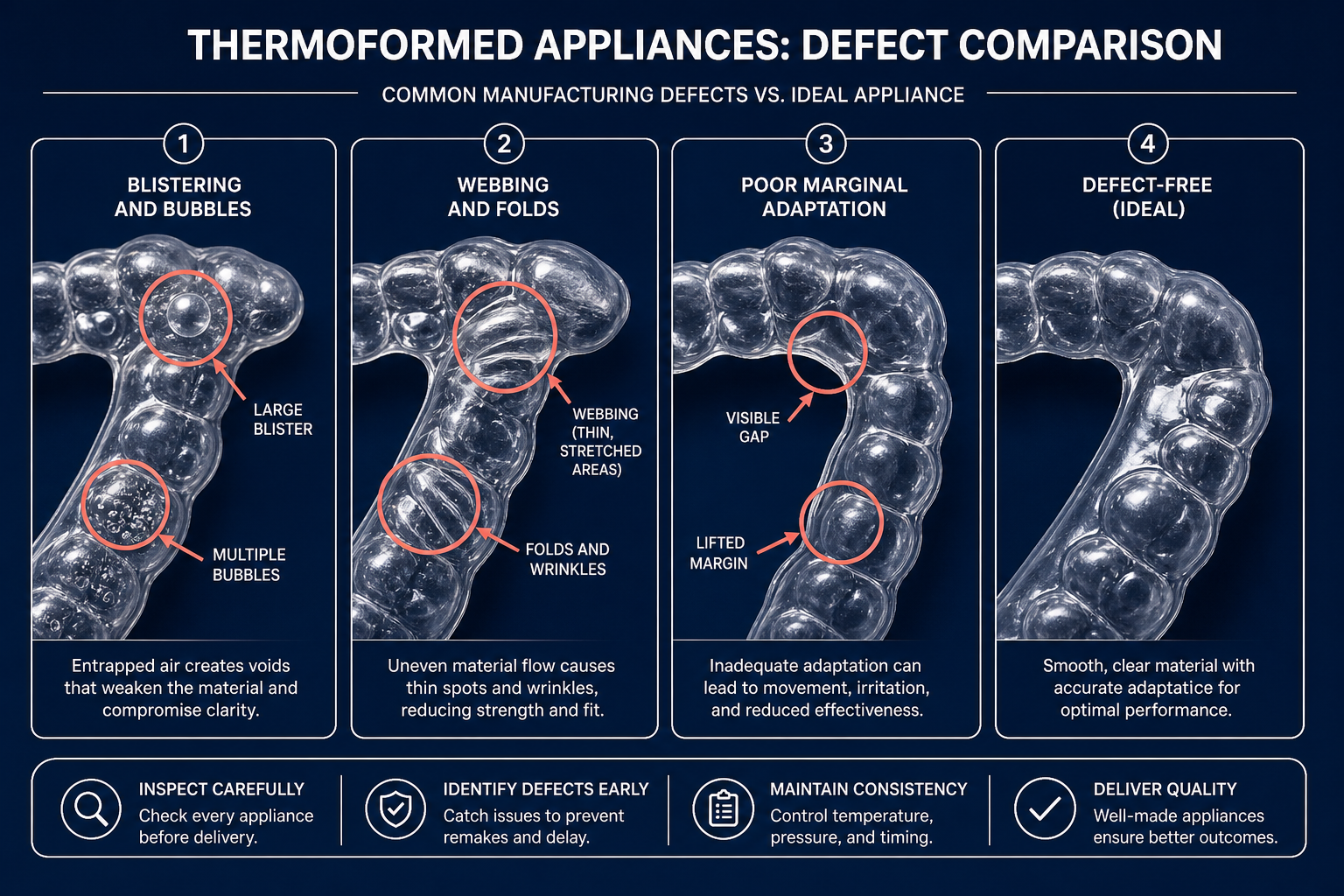
Internal voiding or surface blistering occurs when absorbed ambient moisture or internal plasticizers boil during the heating cycle. To prevent moisture-induced defects, store thermoplastic sheets in sealed, desiccated packaging and strictly observe out-of-package working times. If fully dried materials continue to blister, recalibrate your unit’s heat sensors; excessive surface temperatures can degrade the polymer matrix even within normal heating durations.
Webbing, Folds, and Creasing
Material folds and interdental webbing happen when a plastic sheet sags beyond the recommended 20 mm threshold, allowing excess softened material to collide with itself upon lower draw. Reduce heating time incrementally until folding ceases. Additionally, center models on the build platform and preserve adequate spacing between multiple arches to prevent bridging across interproximal spaces.
Adaptation Deficits and Detail Loss
Inadequate adaptation along cervical margins or incisal edges results from premature vacuum termination or underheating. Once the plastic lowers over the arch, maintain full negative pressure throughout the active cooling phase.
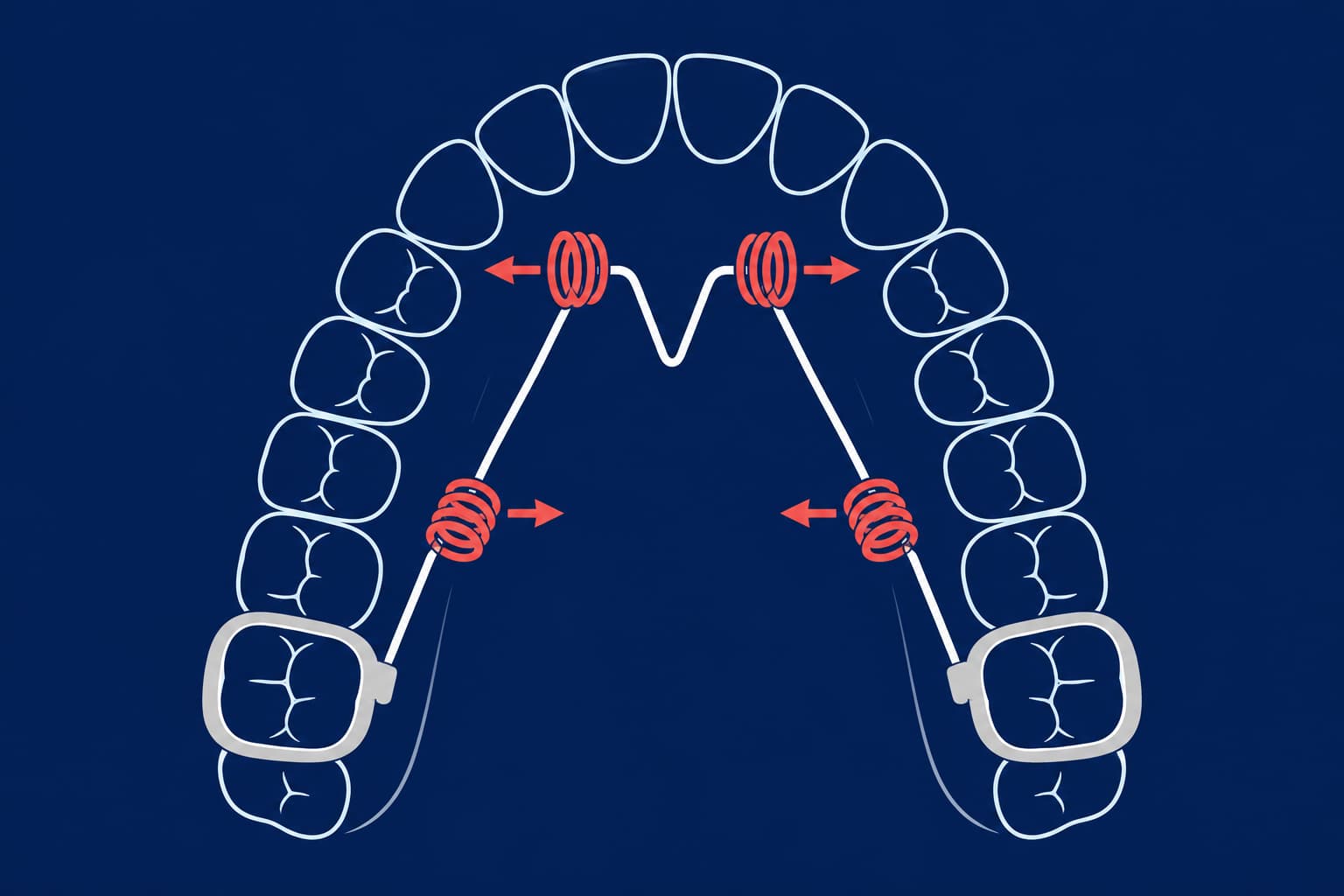
Allow the formed appliance to cool on the model at room temperature for at least 1 to 2 minutes before removal. Never accelerate cooling using cold water or compressed air; rapid thermal shock locks internal residual stresses into the polymer matrix, triggering delayed warping. Proper cooling dynamics are essential to ensure long-term dimensional stability, whether you are producing active aligner series or evaluating a Hawley retainer vs clear retainer for long-term retention.
Managing Material Thinning
Thermoforming planar sheets causes non-uniform stretching, typically reducing sheet thickness by 15% to 40% over occlusal surfaces and up to 60% to 75% over sharp anterior teeth or tall models. Because force delivery scales cubically with material thickness, understanding thermoforming material clarity and thickness dynamics helps you select appropriate initial sheet gauges (such as 0.75 mm or 1.0 mm) when significant local thinning is anticipated.
Refining In-House Appliance Production
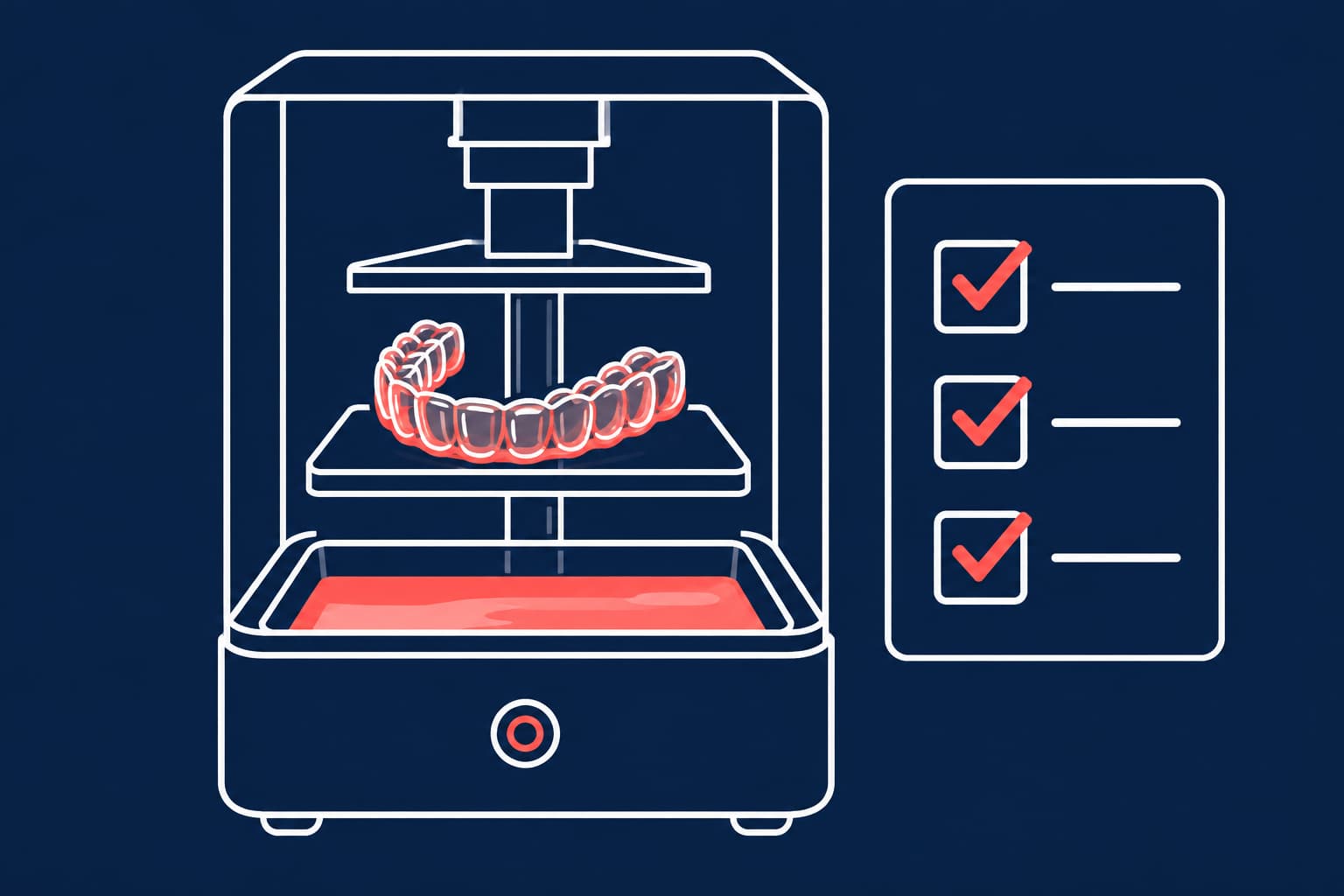
Direct 3D printing of appliances represents a novel evolution in digital orthodontics, bypassing sheet stretching, thermal degradation, and manual trimming entirely. However, established thermoforming techniques in orthodontics remain the most scalable and cost-effective production method for daily clinical operations. Controlling thermal windows, vacuum draw, and model preparation guarantees consistent, accurate appliance adaptation for every patient.
To elevate your clinic's manufacturing accuracy and streamline your digital workflow, integrate high-precision 3D-printed models engineered specifically for thermoforming applications. Contact the orthodontic laboratory specialists at Nordicdens today to optimize your in-house production setup.