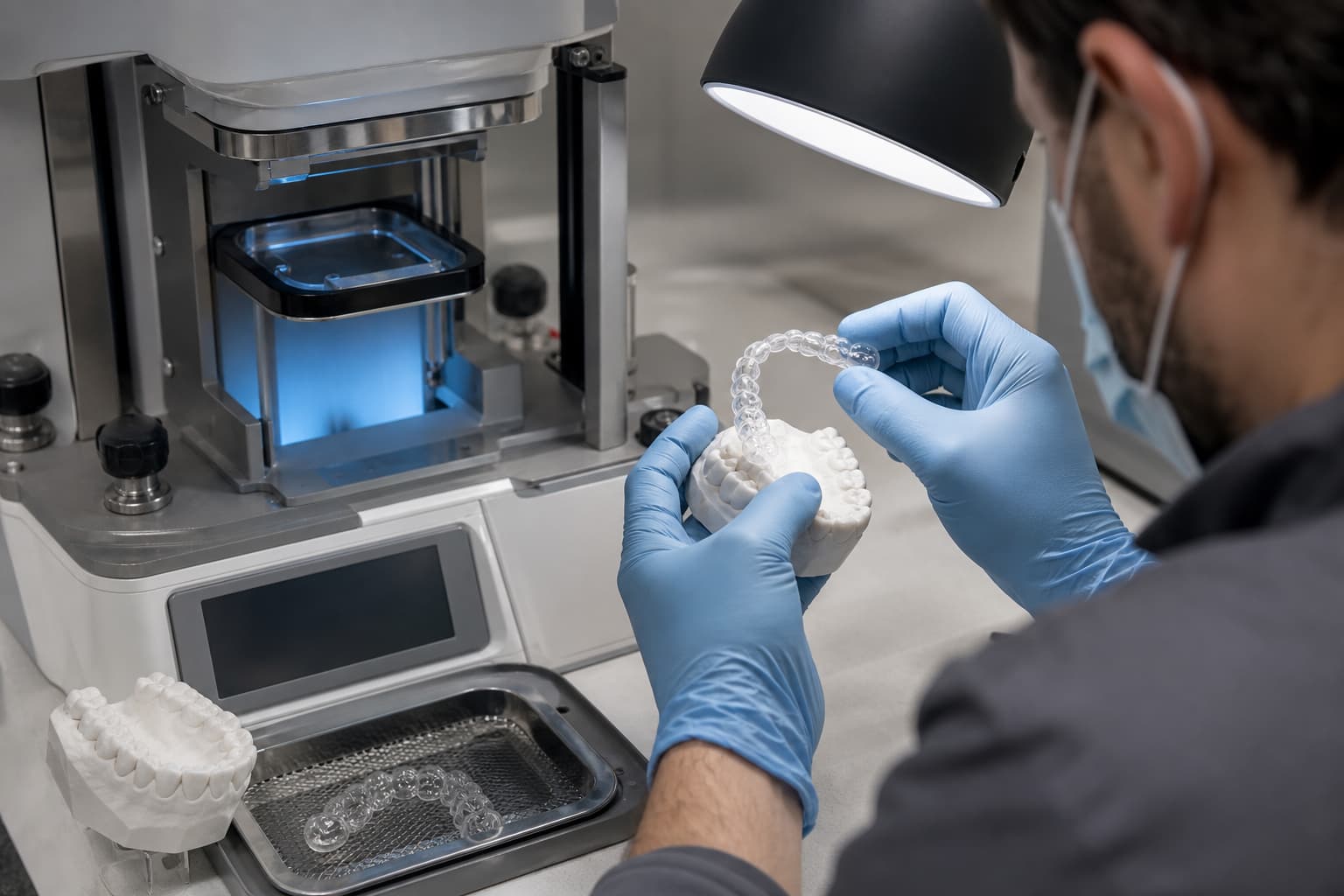
Thermoforming errors directly compromise appliance fit, optical transparency, and force delivery. When a clear aligner or retainer exhibits micro-bubbles, webbing, or loose retention, process variables such as material moisture, thermal timing, and model preparation are usually responsible. While thermoforming remains the laboratory workhorse due to its efficiency and low unit cost, minor deviations in your process compound quickly into remake cycles. Standardizing your environmental controls, heating parameters, and pressure protocols eliminates these defects before appliances reach the patient.
Here is how you can systematically diagnose and resolve the primary thermoforming failures in your clinic or lab.
Bubbles and Surface Cloudiness
Bubbles and hazy areas impair appliance aesthetics while creating structural weak points in the polymer matrix where fatigue fractures originate.
Root Causes
- Thermoplastic sheets like polyurethane (PU) and PETG absorb atmospheric moisture rapidly once unsealed, causing trapped water vapor to expand into micro-bubbles during heating.
- Residual isopropyl alcohol (IPA) or moisture remaining on 3D-printed resin models vaporizes under the thermoforming heating element.
- Overheating heating cycles degrade the polymer and boil internal plasticizers.
Remedial Action
- Store thermoplastic sheets in desiccated packaging and strictly manage ambient exposure, using TPU sheets within 15 minutes of opening and copolyester sheets within 8 hours.
- Ensure 3D-printed resin models are completely dry after post-processing in IPA before placing them in the thermoforming chamber.
- Calibrate thermal sensors to monitor actual sheet temperature rather than relying on mechanical timers, ensuring optimal transparency as detailed in our guide on aligner clarity and thermoforming materials.
Incomplete Adaptation and Poor Fit
An aligner that fails to capture tight anatomical detail, interproximal spaces, or gingival margins produces inadequate retention and unpredictable clinical tracking.
Root Causes
- Standard atmospheric vacuum units lack sufficient force to draw plastic into deep interproximal undercuts.
- Taller model bases increase the draw distance, causing the thermoplastic sheet to stretch over anatomy rather than adapting to it.
- Excessive transfer time between heating and pressure engagement lets the sheet drop below its glass transition temperature.
Remedial Action
- Transition to positive air pressure forming machines operating between 3.8 and 4.2 bar for superior adaptation in complex undercuts, comparing equipment options in our dental thermoforming machine selection guide.
- Trim printed model bases to a height of 20–25 mm, retaining only the anatomical structures necessary for proper appliance function.
- Apply block-out resin to severe undercuts before forming to prevent sheet tearing or excessive seating resistance.
Webbing and Material Folds
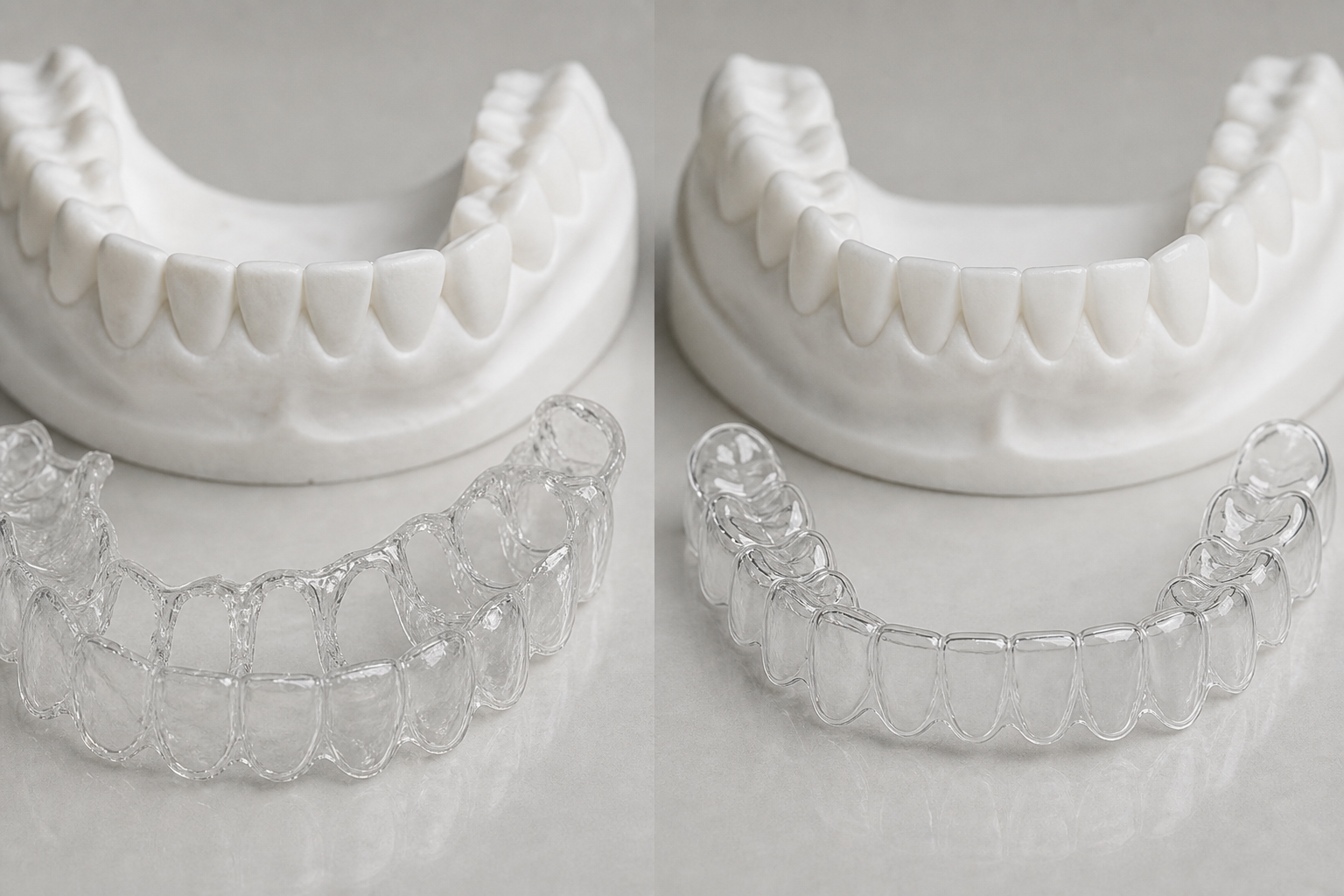
Webbing occurs when soft plastic folds over itself during adaptation, generating thick, irregular ridges along interproximal spaces or labial surfaces.
Root Causes
- Overheating the thermoplastic creates excessive thermal sag, causing material to gather unpredictably prior to pressure application.
- Improper placement or orientation of models near the edge of the build chamber creates uneven sheet distribution.
Remedial Action
- Reduce heating duration in small increments until material sags within a controlled target window of 12–20 mm.
- Position dental models dead-center on the build platform, maintaining adequate spacing between multiple arches to prevent plastic from bridging.
Excessive Wall Thinning and Force Decay
Thermoforming inherently stretches plastic, but excessive thinning weakens orthodontic force delivery and causes premature material fatigue.
Root Causes
- Thermoforming reduces initial sheet thickness by 15% to 40% across the arch, with anterior teeth and sharp cusps experiencing thickness reductions of up to 60% to 75%.
- Over-softening the plastic sheet during heating increases initial sag and exaggerates local stretching.
Remedial Action
- Match nominal sheet gauge to clinical movement requirements, utilizing 0.75 mm or 1.0 mm materials for high-torque movements or retention.
- Transition to advanced multilayer thermoforming materials featuring an elastomeric core protected by rigid outer shells to maintain continuous force delivery after stretching.
- Review our analysis of thermoforming material thickness dynamics to evaluate how stretch geometry affects biomechanical force transfer.
Appliance Warpage and Internal Stress
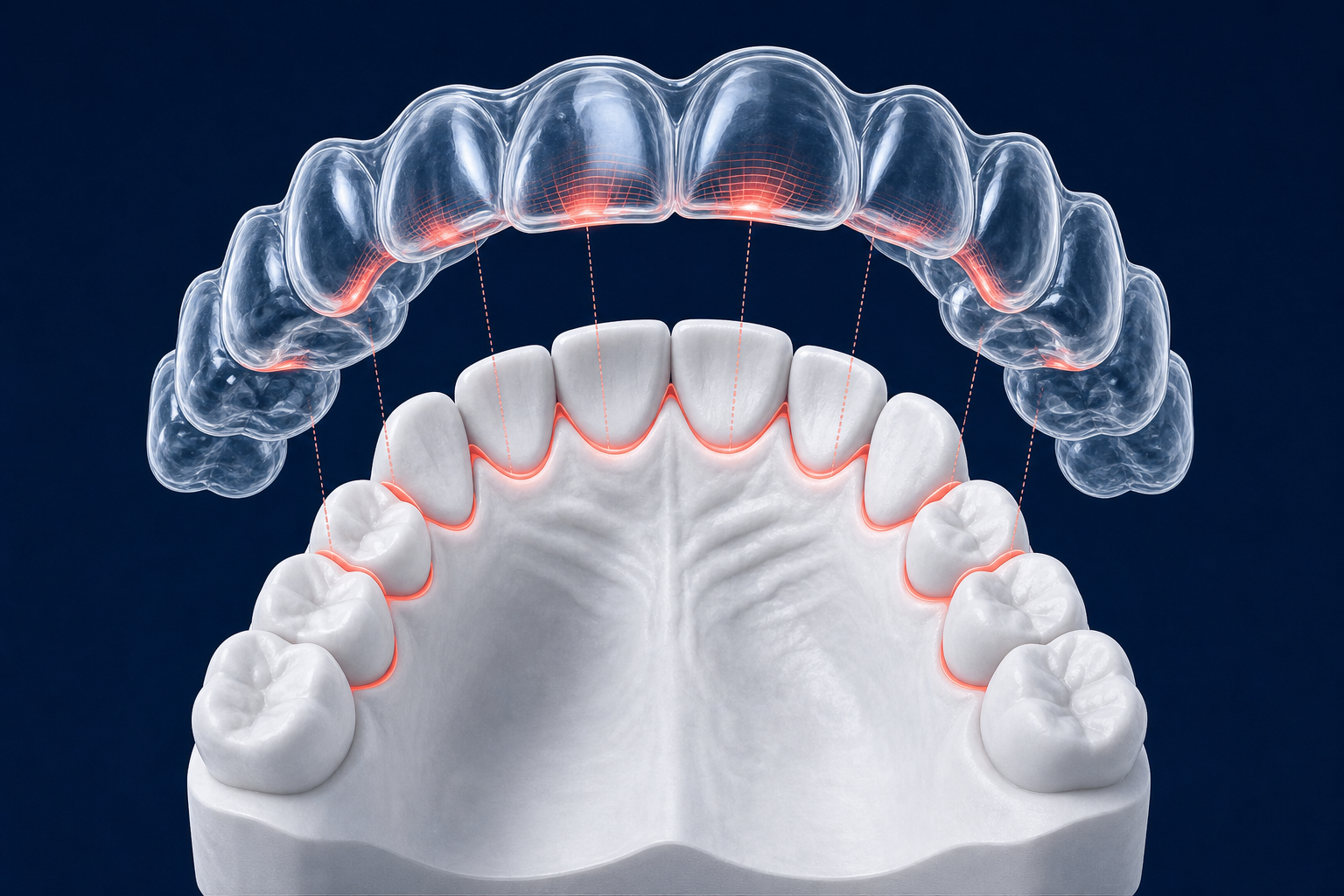
Warpage manifests as an altered arch form that fails to seat flush, even when thermoformed over a dimensionally accurate 3D-printed model.
Root Causes
- Detaching the appliance from the model while the polymer remains warm introduces permanent structural distortion.
- Rapid forced cooling with cold water or forced air locks high internal stress into the material.
- Incomplete UV post-curing allows 3D-printed resin models to soften and flex under thermoforming heat and pressure.
Remedial Action
- Allow newly formed appliances to cool on the model at room temperature for at least 1 to 2 minutes until fully stabilized.
- Verify that 3D-printed models complete a full post-cure cycle so they withstand thermoforming pressure without deforming.
- Maintain a standardized post-processing protocol from gross trimming through final edge polishing, as detailed in our guide to the clear aligner fabrication process.
Diagnostic Reference Matrix
| Defect Symptom | Primary Cause | Immediate Correction |
|---|---|---|
| Micro-bubbles / Haze | Damp resin model or moist sheet | Dry models thoroughly; observe open-time windows for material sheets. |
| Bridging / Poor detail | Low forming pressure or delayed cycle | Form at 3.8–4.2 bar positive pressure; eliminate transfer delays. |
| Interproximal webbing | Overheating / Excessive sag | Reduce heating duration; maintain material sag within 12–20 mm. |
| Premature cracking | Severe localized wall thinning | Reduce model base height; switch to elastomeric multilayer sheets. |
| Arch distortion | Premature removal / Forced cooling | Allow a full 2-minute ambient cooling phase prior to appliance removal. |
Optimizing Your Thermoforming Workflow
Eliminating production defects requires strict control over moisture exposure, thermal cycles, and post-processing timing. Calibrating heating lamps and pressure regulators on a routine schedule ensures consistent energy delivery across every production batch. You can explore the foundational biomechanical principles governing thermoformed appliances in our overview of thermoforming in orthodontics.
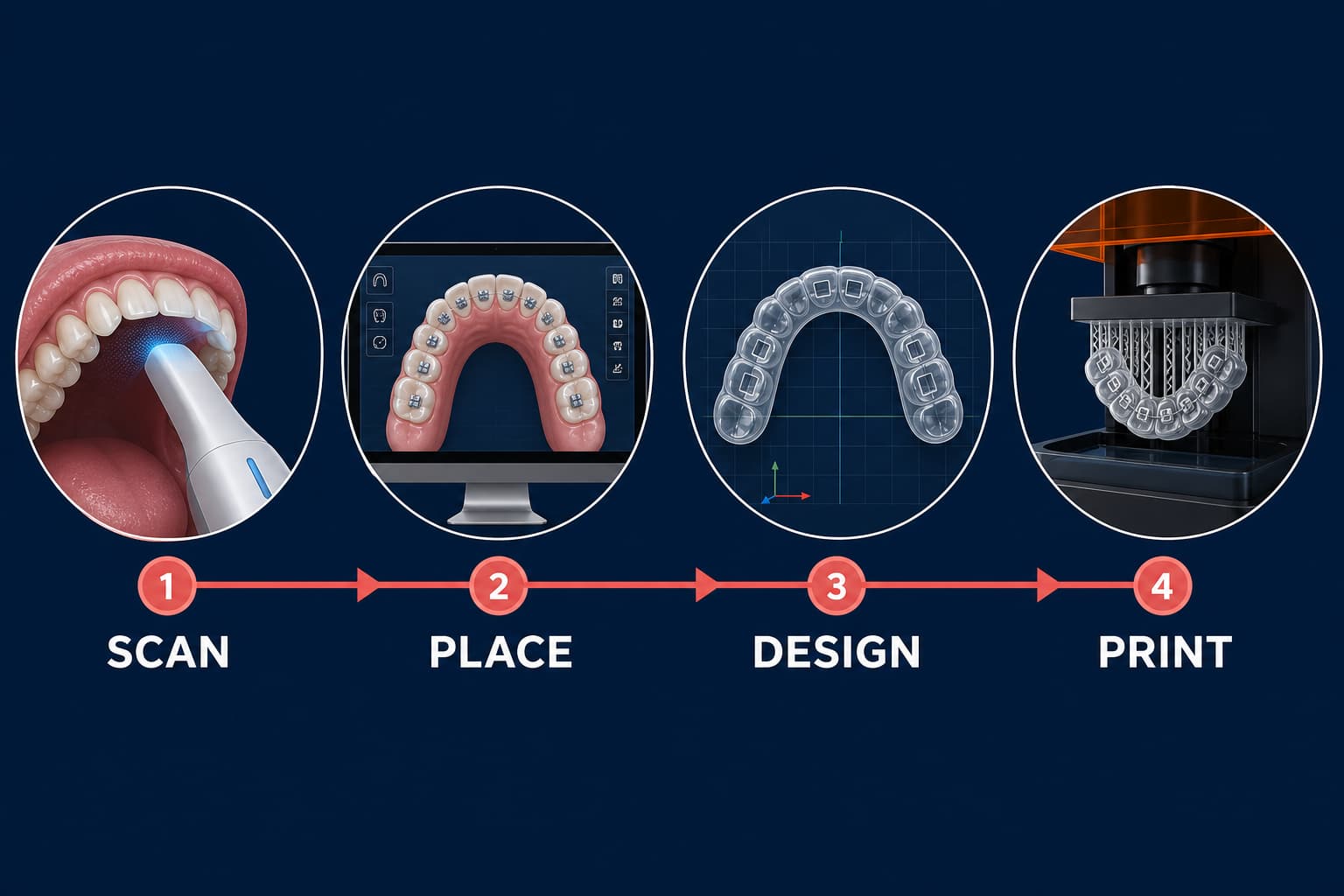
For laboratories looking to eliminate thermoforming defects altogether – such as physical stretching, manual trimming variability, and localized thinning – direct 3D printing offers a modern alternative. Direct-print appliances eliminate sheet adaptation entirely, allowing you to design precise, uniform wall thickness directly in CAD software.
Contact the digital production specialists at Nordicdens today to audit your fabrication workflow, enhance appliance precision, or transition to direct-printed orthodontic solutions.